Blank Nutrition Facts label: download or fill it in free
A blank Nutrition Facts label in every FDA format, as a download or as a live panel that fills itself from your recipe. Print-ready, no signup, no watermark.
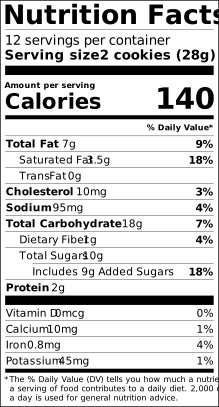
The blank standard label
This is the standard vertical Nutrition Facts panel from 21 CFR 101.9, drawn by the same engine that renders every label on this site. The values shown are an example so you can see where each figure sits; in the generator the panel starts empty and fills as you type, or fills itself from a recipe.
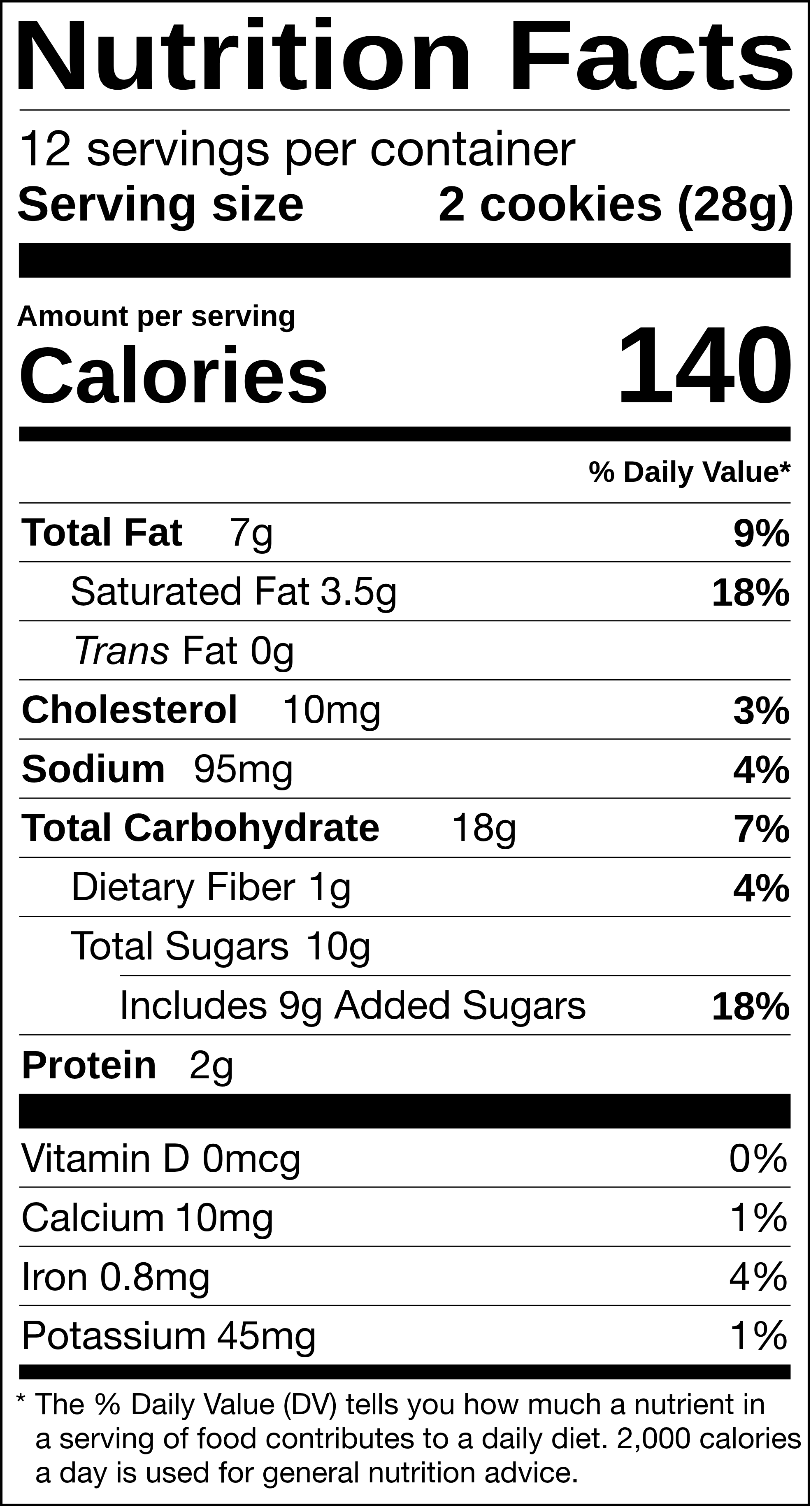
See the FDA Nutrition Facts panel filled in with real USDA values: egg nutrition label, chicken breast nutrition label, avocado nutrition label, bacon nutrition label, milk nutrition label, banana nutrition label, peanut butter nutrition label, ground beef nutrition label, salmon nutrition label, Greek yogurt nutrition label. Every food page renders the same serving as a US, Canadian, EU and UK label and offers the FDA panel as a PNG or SVG download. Browse all foods →
Blank labels in every FDA format
The standard panel is the default, but the FDA permits fourteen other layouts when a package meets a condition: less than 40 square inches for tabular, less than 12 for linear, 200% to 300% of the reference amount for dual column, eight or more insignificant nutrients for simplified, and so on. Each has a blank template of its own:
Not sure which one applies? The FDA Nutrition Facts requirements page walks through the conditions, and the PDP area calculator measures your package.
Why a filled-in label is safer than a blank one
A blank label invites four mistakes the FDA checks for. The serving size is not yours to pick: it comes from the reference amount for your food category in 21 CFR 101.12. Nutrient values have to trace to a lab or a recognised database. Every nutrient rounds to its own increment. And the %DV is computed from the unrounded figure against the 2016 Daily Values, so two labels showing "1 g" of fiber can honestly show different percentages.
The generator applies all four automatically. Type ingredients and amounts, choose the format, and it produces the finished panel plus the ingredient statement and allergen line, then exports print-ready PDF, SVG, PNG or JPG. If you would rather stay with a blank, the RACC lookup, %DV calculator and the rounding notes on each format page cover the pieces.