How to Create a Nutrition Label: 5 FDA Labeling Steps
Learn how to create a nutrition label in five steps, from recipe data and FDA serving sizes to rounding, formatting and a finished Nutrition Facts panel.
To learn how to create a nutrition label that complies with US requirements, you need five things: accurate nutrient data for your recipe, a serving size derived from the FDA's RACC table, the mandatory nutrient list from 21 CFR 101.9, correct rounding, and the prescribed Nutrition Facts panel layout. This guide walks through each step in order, so you can create a Nutrition Facts label that would survive an FDA review, with free tools to automate the tedious parts.
Step 1: Get accurate nutrient data for your nutrition label
You have two compliant routes: laboratory analysis or database calculation. FDA explicitly accepts calculated values built from reliable ingredient databases such as USDA FoodData Central, and for most shelf-stable products calculation is faster, cheaper, and easier to update when a supplier changes.
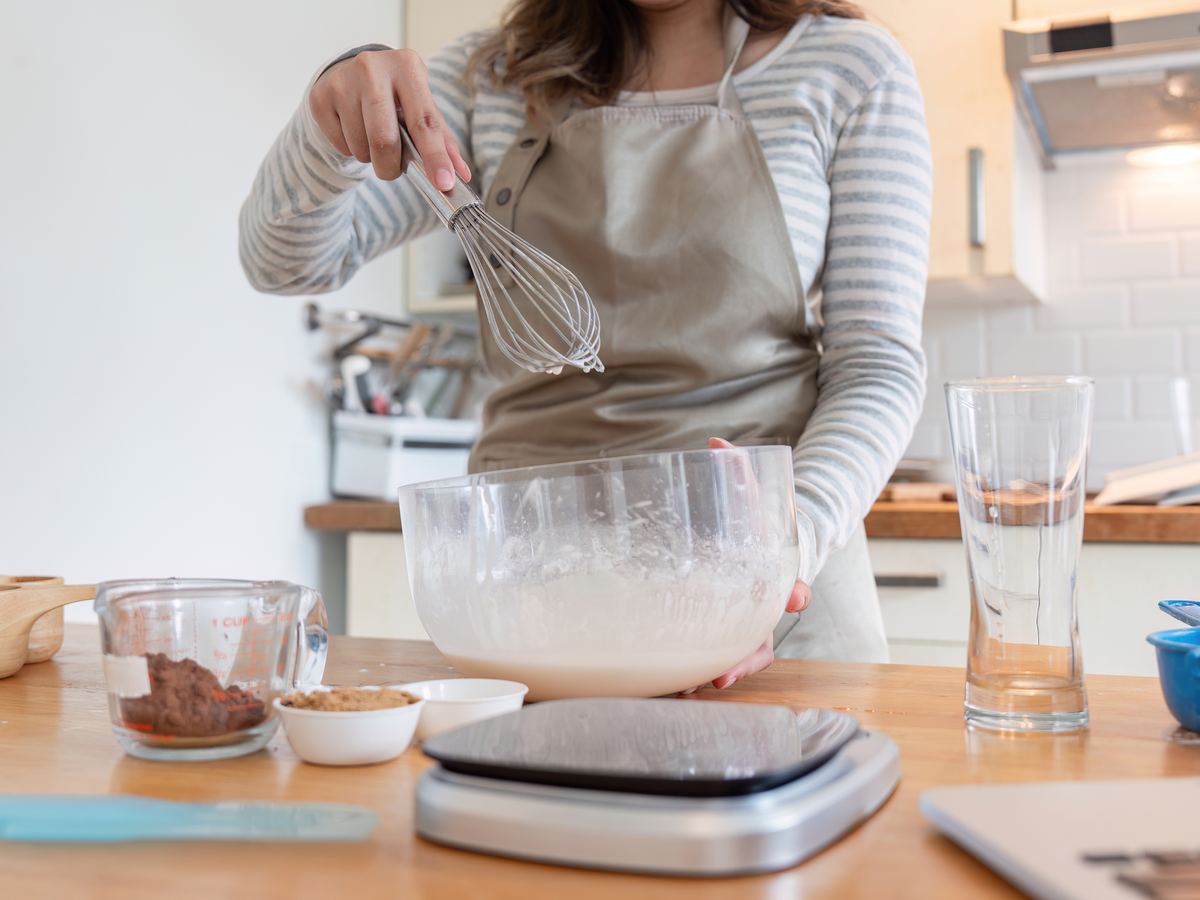
Build each product as a recipe, ingredient by ingredient and in grams, then let the per-100 g values roll up. Account for moisture loss during baking or cooking because your label must describe the food as sold, not the batter. The recipe manager handles the rollup, waste, and yield adjustments automatically.
To calculate nutrition facts for a recipe, multiply each ingredient's nutrient value per 100 g by the grams used, then divide by 100. Sum each nutrient across the batch. Divide the batch total by the finished batch weight in grams, then multiply by the FDA serving-size weight you establish in Step 2.
If you portion the recipe into equal servings, you can instead divide the batch total by the number of portions. For example, 1,200 kcal across eight equal servings is 150 kcal per serving before FDA rounding. Use the finished yield if cooking changes product weight, and apply each nutrient's FDA rounding rule only after calculating the serving value.
Step 2: Set the serving size from the RACC table
Serving size is not a marketing decision. It derives from the Reference Amount Customarily Consumed (RACC) for your product category in 21 CFR 101.12: cookies use 30 g, carbonated beverages 360 mL, and bread 50 g.
You then express that amount in a household measure, such as "2 cookies (28g)." Packages containing between one and two RACCs generally label as a single serving, and larger single-serving containers may need dual-column labeling.
Use the RACC lookup tool to find your product category, and see our RACC deep-dive for edge cases.
Step 3: Declare the mandatory nutrients
Since the 2016 label overhaul (81 FR 33742), the required lineup is:
- Calories (large bold type)
- Total fat, saturated fat, trans fat
- Cholesterol and sodium
- Total carbohydrate, dietary fiber, total sugars, and added sugars
- Protein
- Vitamin D, calcium, iron, and potassium, in both absolute amounts and %DV
Vitamins A and C are now voluntary. Added sugars was the biggest change of the 2016 rule. If you use honey, syrups, or concentrated juices, read our added sugars explainer.
Other vitamins and minerals may be declared voluntarily, but once declared they must follow the same format rules.
Step 4: Apply the FDA rounding rules
Every value must be declared in FDA increments: calories to the nearest 5 below 50 and nearest 10 above, fats to the nearest 0.5 g below 5 g, sodium to the nearest 5 or 10 mg, and micronutrient %DVs on a 2/5/10-percent ladder.
This is where many DIY labels fail. Apply rounding only after calculating the nutrient amount for the serving, rather than rounding ingredients or intermediate calculations.
The full ladder is in our rounding rules guide.
Step 5: Format the panel and add ingredients and allergens
The Nutrition Facts layout is prescribed down to point sizes and rule weights: "Nutrition Facts" in heavy type, an 8-point hairline hierarchy, calories at 22 points on standard panels, and the %DV footnote in its exact wording.
Below or beside the panel, list ingredients in descending order of predominance by weight under 21 CFR 101.4. Declare the nine major allergens per FALCPA and the FASTER Act, and see our allergen declaration guide for the applicable format.
Smaller packages may qualify for tabular or linear formats.
Nutrition Facts label example: how to read the FDA sample
A published FDA Nutrition Facts label example shows 8 servings per container, a serving size of 2/3 cup (55 g), 230 calories per serving, and 10 g of added sugars (20% DV).
These sample values demonstrate how to read the panel. They are not nutrient data for your product. FDA says its downloadable label images are for educational purposes and do not meet 21 CFR 101.9 requirements. See the official FDA label images and our Nutrition Facts label templates.
- Check servings per container and serving size first. They set the basis for all amounts shown on the panel.
- Read calories and nutrients per serving. The %DV column shows how much one serving contributes to each Daily Value.
- Use verified values for your product. Never copy sample amounts onto a commercial label.
Choosing the right nutrition label format for your market
| Situation | Format |
|---|---|
| Standard retail package | Vertical Nutrition Facts panel |
| Package eaten in one sitting (2–3 RACCs) | Dual-column (per serving / per container) |
| 40 sq in of label space or less | Tabular or linear format |
| Selling outside the US | Country-specific format; check supported countries |
If you export, remember that the US panel is not accepted in most other markets. The EU requires per-100 g declaration, Canada requires a bilingual table, and Gulf states require Arabic.
One recipe can feed all of these formats if your tooling supports multiple markets.
The mistakes that sink first nutrition labels
- Marketing-driven serving sizes. Shrinking the serving to make calories look better violates the RACC system and is the first thing reviewers check.
- Labeling the batter, not the baked good. Nutrients must describe the food as sold, after moisture loss.
- Stale supplier data. When a supplier reformulates, your label inherits the change, so schedule spec-sheet reviews.
- Claims without checking thresholds. Words such as "healthy," "low sodium," or "good source" carry numeric definitions. Validate them with the claim validator before printing.
How to make a nutrition label with a generator
A nutrition facts label generator takes the same process and automates the calculations that happen after you enter accurate product data. You still need the correct recipe, finished yield and RACC-based serving size, but the software can apply nutrient calculations, rounding and the prescribed panel layout consistently.
This is particularly useful when recipes change. Instead of rebuilding the panel manually, update the ingredient or supplier data and regenerate the label using the revised values.
How to create a nutrition label FAQ
Do I need a lab test to make a nutrition label?
Not usually. FDA accepts database-calculated values, and calculation is standard practice for most packaged foods. Laboratory analysis makes sense for fried products, fermented foods, or anything where composition is difficult to predict accurately from its inputs.
Is my small business exempt from nutrition labeling?
Possibly. 21 CFR 101.9(j) exempts qualifying low-volume businesses, broadly those under set employee and unit thresholds who file the required notice, but the exemption vanishes the moment you make any nutrient content claim.
How long does it take to create a compliant label?
With ingredient data ready, minutes. Enter the recipe, confirm the RACC-based serving size, and the generator applies nutrients, rounding, and layout automatically. The slow part is gathering reliable supplier specification sheets before you start.
Can I create a Nutrition Facts label myself?
Yes. You can create a Nutrition Facts label yourself by calculating nutrients from reliable data, determining the FDA RACC-based serving size, declaring the mandatory nutrients, applying FDA rounding rules and using the prescribed panel format. A nutrition label generator automates many of these calculations, but the ingredient and product data still need to be accurate.
Is there a free nutrition label maker?
Yes. Ready to build yours? The free Nutrition Facts label maker applies every rule in this guide automatically and exports print-ready labels for 114 countries.